Real-ESRGAN models
Industry-standard upscaling
image resolution enhancer
Rescalio helps you upscale low-resolution images and improve photo clarity when exports, thumbnails, or AI generations look soft at full size. Upload PNG, JPEG, or WebP, pick 2x–8x scale, and download sharper output from a browser-based image resolution enhancer — no desktop install required to start on the free tier.
175×1751400×1400
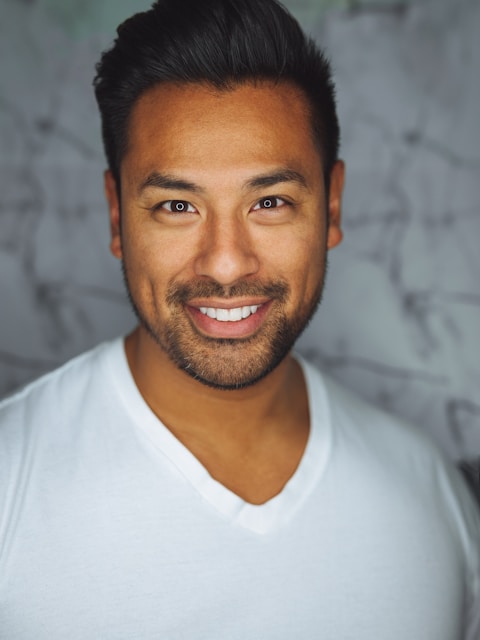
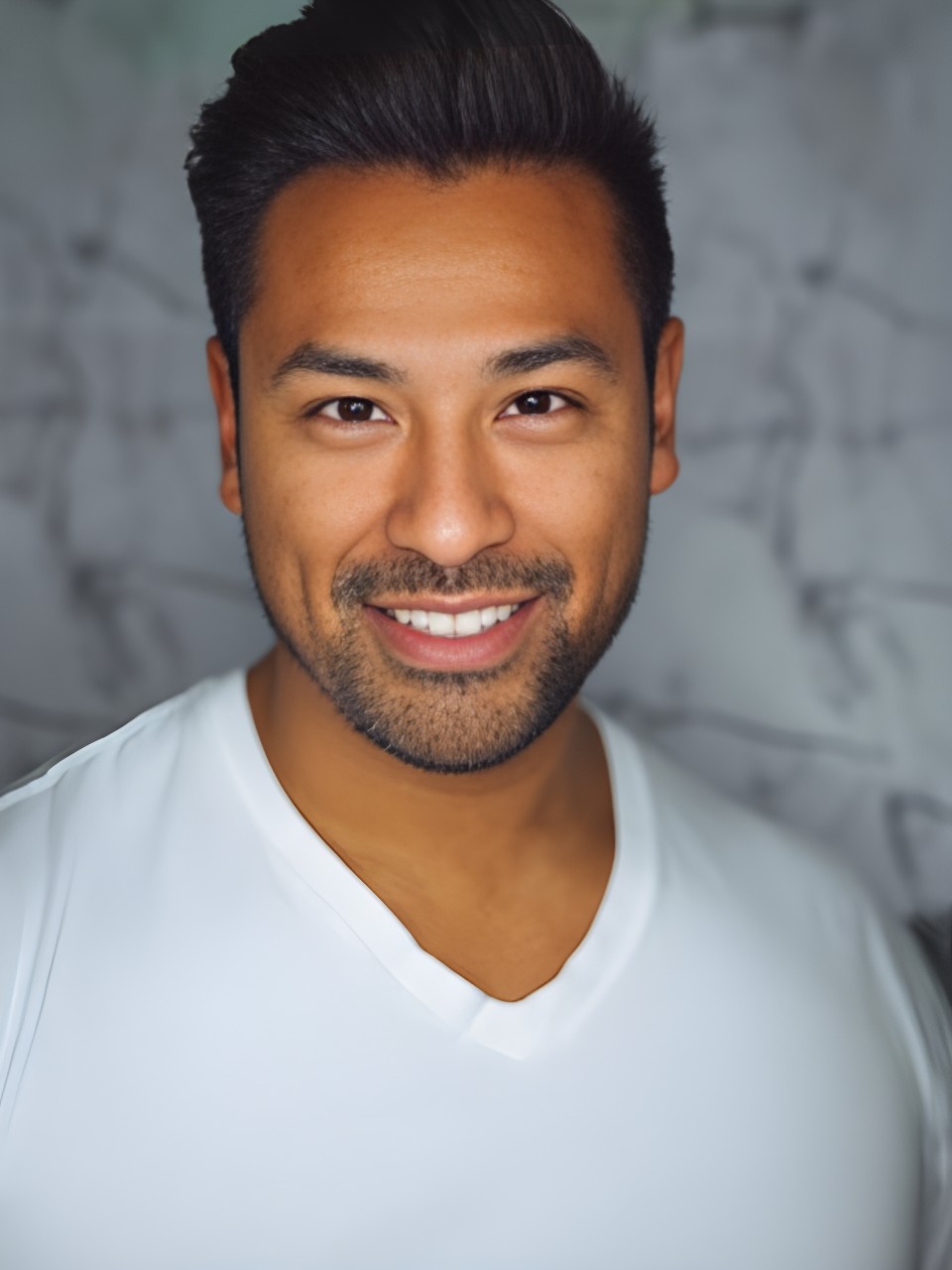
8× · Face model
Drag the slider — see pixels turn sharp
Live workspace
Upload an image, pick scale and model, then compare and download. No credit card required.
Drop an image below — we'll open the full workspace with your file ready.
Drag & drop an image, or click to browse
PNG, JPEG, WebP · max 15 MB
An image resolution enhancer should make every step obvious: upload, choose scale, inspect the compare slider, then download. Rescalio targets visitors who search upscale image, image upscaler, or improve image resolution — not generic photo editors. Low-bitrate JPEGs may show artifacts when pushed to 8x; clean PNG exports from design tools often gain crisp edges at 2x or 4x.
Our AI upscaler stack uses Real-ESRGAN family models. The General model is available on the free tier (five upscales per day at 2x). Paid plans unlock 4x–8x scale, Face and Anime models, and higher daily limits. Limits are published on pricing — no hidden caps after checkout.
Creators use Rescalio to upscale image batches from Midjourney, Stable Diffusion, or DALL·E when clients need print-ready files. Ecommerce teams sharpen packshots before marketplace uploads. Photographers rescue older web galleries when a brand refresh demands larger hero assets.
Files upload over TLS, process in an isolated worker queue, and auto-delete within 48 hours by default. We do not train on your uploads. ai-upscaler.org (Upscala) stays the primary branded property; Rescalio serves the image resolution enhancer cluster on rescalio.org with self-canonical URLs.
8×
Max upscale
5
Free daily
3
AI models
0
Install needed
Why Rescalio Upscaler
Industry-standard upscaling
Files removed from storage
Works in your browser
Compare results instantly
Why Rescalio Upscaler
From pixelated uploads to print-ready output — without desktop software or surprise subscriptions.
We've got you covered
Rescalio Upscaler turns fuzzy photos into sharp results in seconds. Drag and drop in your browser, compare with the built-in slider, download — done.
Low resolution is no fun
Got a blurry photo or a pixelated mess? Love the memories but hate the quality? We've all been there.
Complicated tools cost time and money
Desktop software, expensive subscriptions, steep learning curves — or squinting at the screen hoping it looks better. Your wallet shouldn't suffer for sharper images.
Gallery
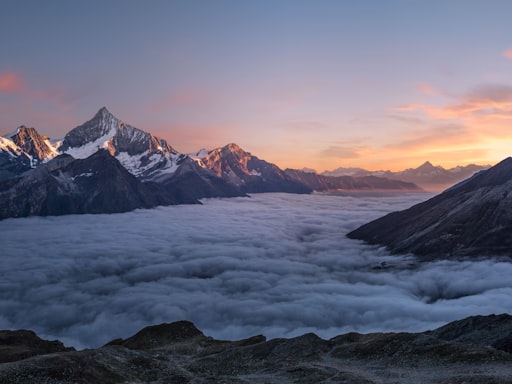
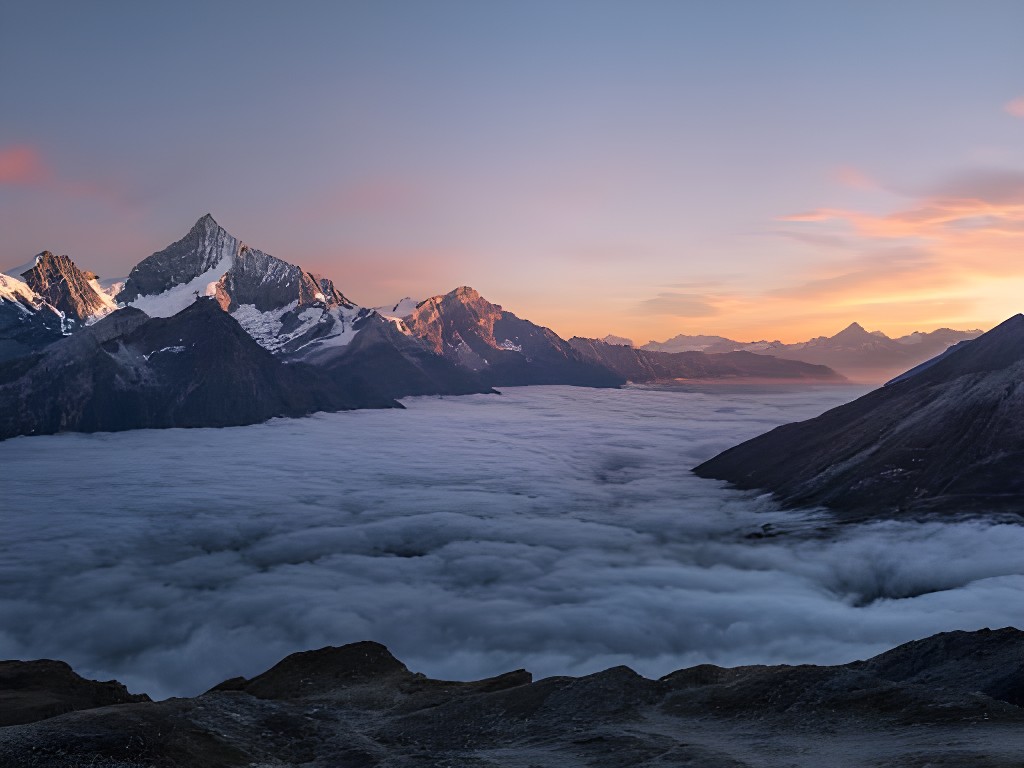
Compare AI upscaling across landscapes, illustrations, and architecture — switch use cases and inspect scale, model, and output resolution.
Landscape & travel photo enlargement
Increase resolution on nature and travel photography for print layouts, hero banners, and large-format display. Real-ESRGAN preserves foliage edge detail and smooth sky gradients — avoiding the blocky artifacts typical of basic resize tools.
Who it's for
Whether you upscale AI art, photos, or product shots — Rescalio Upscaler fits your workflow.
resolution enhancer
Rescalio is an image resolution enhancer for soft thumbnails, AI exports, and low-res archives — 2×–8× scale with before/after compare.
Pick scale to match delivery size. Free tier starts at 2× General; Pro unlocks 8× plus Face and Anime models.
General for photos, Face for portraits, Anime for illustration — choose the engine that matches your source.
Slide between original and upscaled output so you can judge whether resolution improved without halos.
No desktop install required to start. Upload, queue on GPU workers, download when the upscale image job finishes.
TLS upload, isolated workers, 48-hour auto-deletion. Rescalio does not train on customer images.
Five free upscales per day on General at 2×. Starter and Pro limits are listed on /pricing before checkout.
AI models
Pick the right engine — General on free, Face and Anime on Pro.
Photos & illustrations
Balanced detail recovery for everyday images and AI-generated art.
2×–8× · photos & AI art · max 8×
Try in workspace →Portraits & headshots
GFPGAN-style face enhancement for natural skin texture and eyes.
Up to 8× · portraits · max 8×
Learn more →Flat art & manga
Crisp lines and flat colors without over-sharpening artifacts.
Up to 4× · flat illustration · max 4×
Learn more →Compare plans to unlock Face and Anime models.
Pricing
Start free with 5 upscales/day. Upgrade to Pro for $11.99/month — 8× scale, all models, API access.
$0forever
Try the upscaler with daily limits.
$11.99/month
Best for professionals and creators.
Quick answers about formats, limits, and models.
Yes — five upscale image jobs per day on the free tier at 2× with the General model. 15 MB max upload.
2× on free tier. Paid plans unlock 4×–8× and Face/Anime models for portraits and illustration work.
Rescalio serves the image resolution enhancer keyword cluster on rescalio.org. ai-upscaler.org (Upscala) remains the primary branded property.
No credit card. No install. Just sharper images.